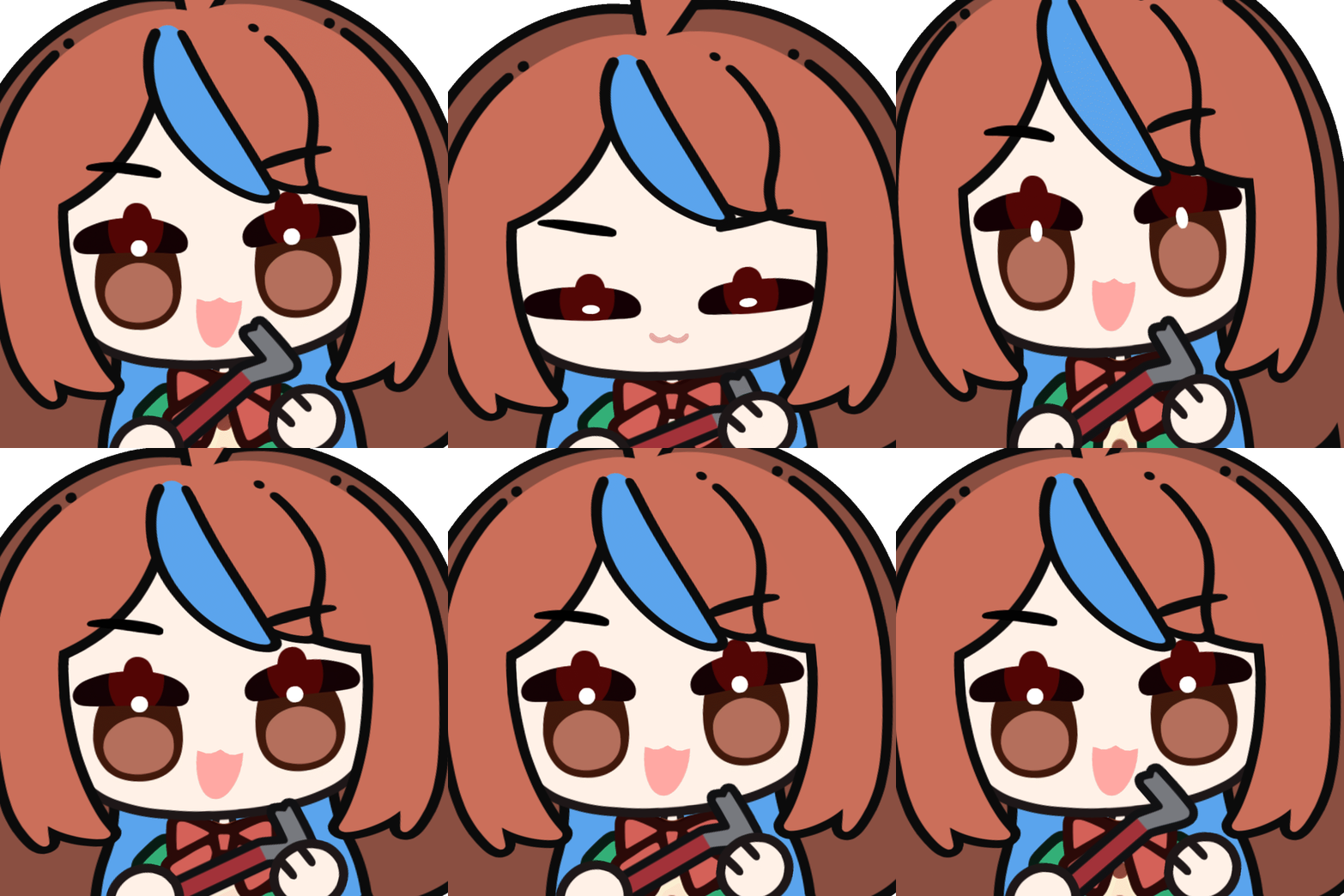
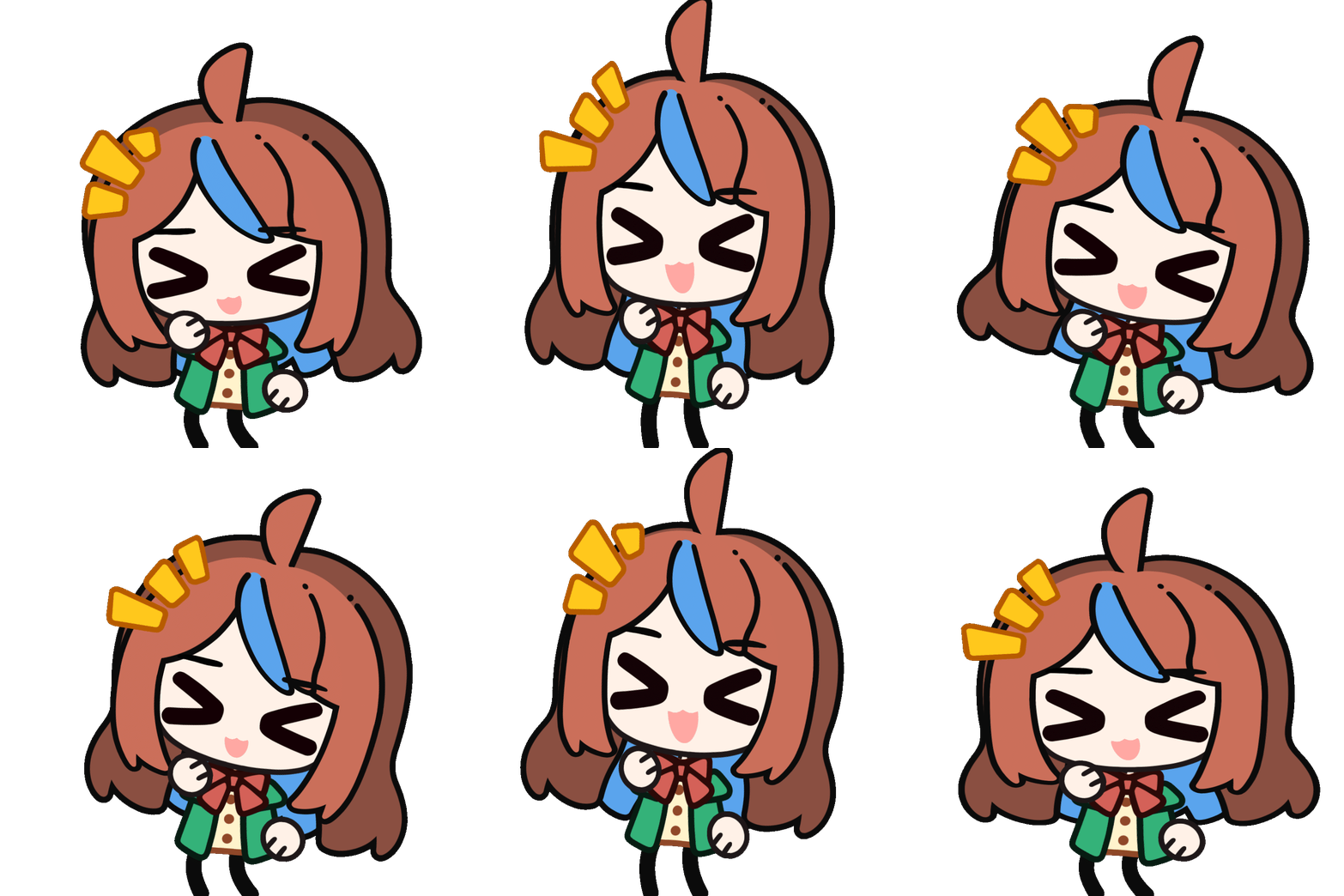
Check out these cute emotes! There’s recently a new fun tool in Steam called EmoteLab by 0x4682B4 where you can customize your own animated or static emotes! Just create your character design from the options, and it’ll immediately make a bunch of animated emotes ready to use!
I find it pretty easy with a nice selection of cute animations and character designs to set up, while allowing plenty of customization options. The Discord community is also pretty active and supportive to help and updates are regularly posted on X.
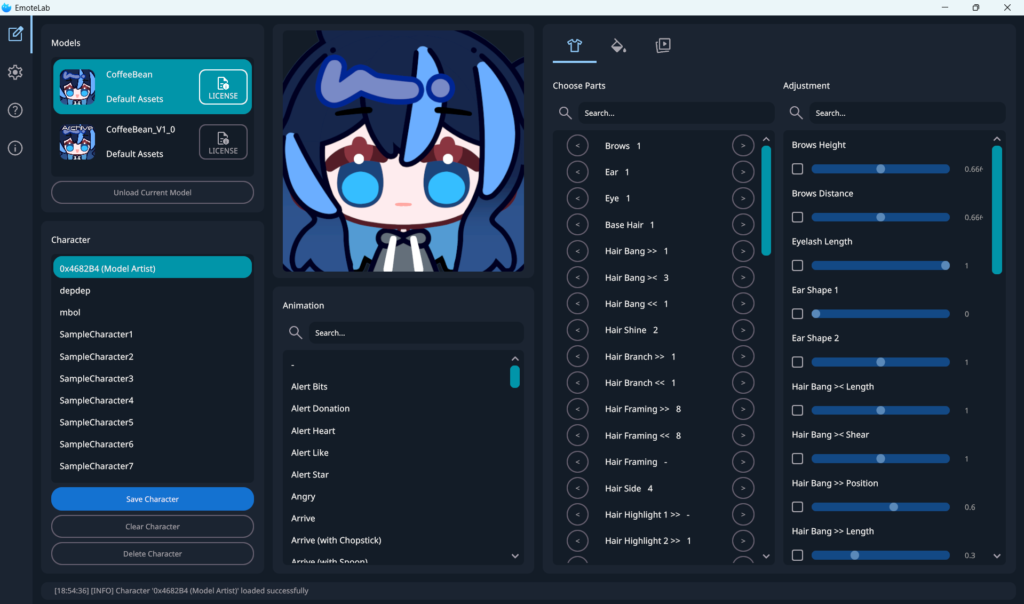
When opening EmoteLab, we can see a bunch of panels. It may look overwhelming at first, but let’s take a look at what we can do!
Models: select the character model on the top left as the ‘base’ for the character model style. For now there’s only one, but it’s opening the possibility there may be other model styles in the future.
Chracter: On bottom left we have the character list and some premade ones available from the start. The idea is you can design a character, and all the emotes will automatically match and get updated with that design! So you can save multiple character designs.
Character Customization
On the right side we can switch between three different tab icons with the clothing, paint bucket, and play button.
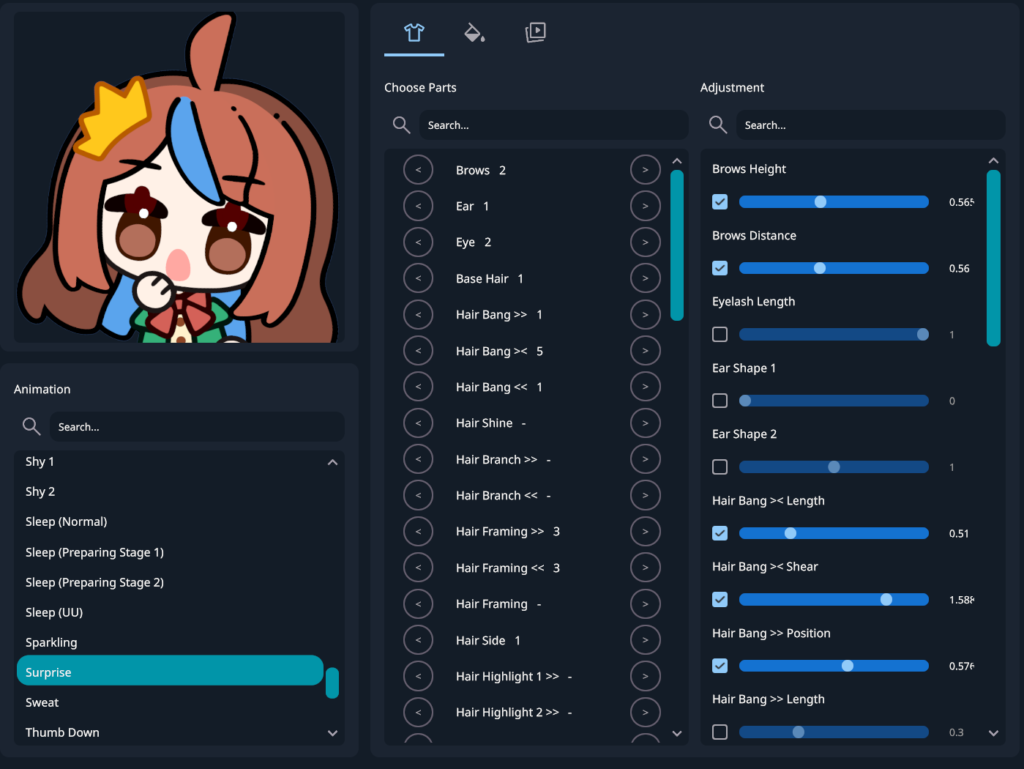
Parts & Adjustment: The first tab with the clothing icon is for opening options for customizing the character parts! You can adjust the position and size of the parts, like position of middle hair bangs or height of the eyebrow. Note that some parts are only seen in specific emotes, like prop items.
Available Parts List:It may be confusing to see which part is called which name, you can check out the documentation site for a summary of all the parts to give you an idea which parts you can use to match your character design!
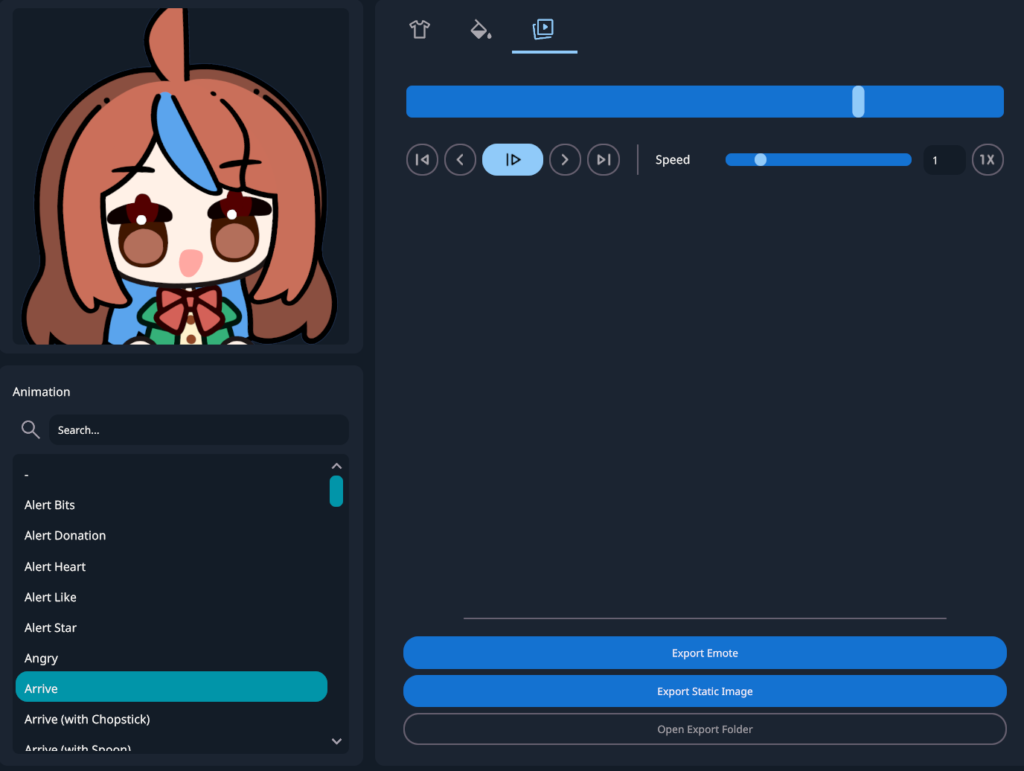
Here’s the fun part where you can see the emote in action and choose which animation you want!
There’s a bunch of options from alerts, hearts, raid, typing emote, and more. I have lots of fun watching my characters doing all these cute actions!
Note that this is not an animating software like Live2D or After Effects – there are ready animations in the list that you can use and switch with your character model, so you can’t change it further (like making your own unique actions or changing the movements).
You can adjust in the settings how big the file size to export, and to export as GIF or PNG, so it’s pretty flexible use beyond only emotes!
For example, you can save 2 versions to use as PNGtuber or GIFtuber to switch between each other as you speak using tools like Fugitech or Veadotube (more info in linked post).
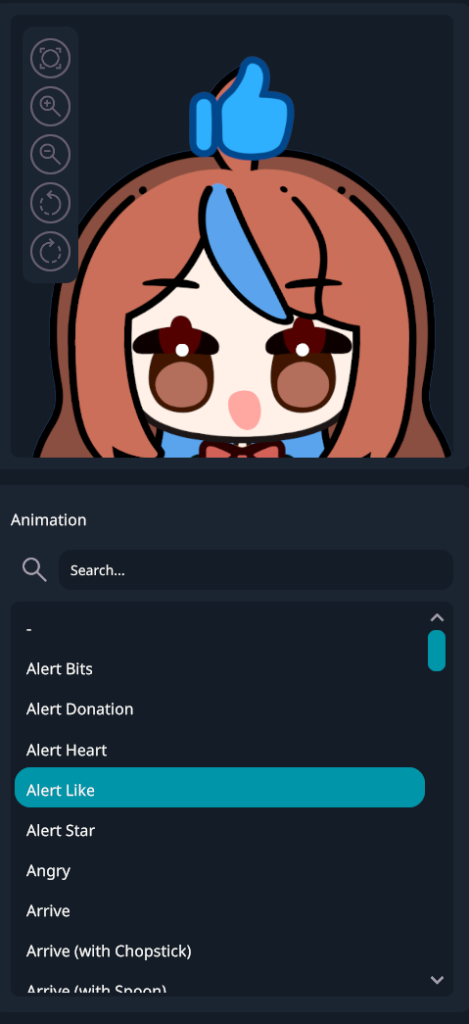
A funny thing to note is that we can zoom in and zoom out the animation – so technically you can get a cute fullmodel animation too! I was surprised to realize the model included legs since it looks so cute.
Besides emotes, EmoteLab also allows you to use the results made from it into other streaming assets and even merchandise – but remember to check the usage rights for the details and give proper credits!
The playback tab allows you to pause and set the speed of the animation, and this is where you can export the emote as animated GIF or pause at a specific frame on the animation then export it as a static image PNG.
A quick access to the export folder is given too, by default it should be somewhere in your Documents folder! For further details you can also adjust the settings like the image export size depending on your needs.
Color Customization
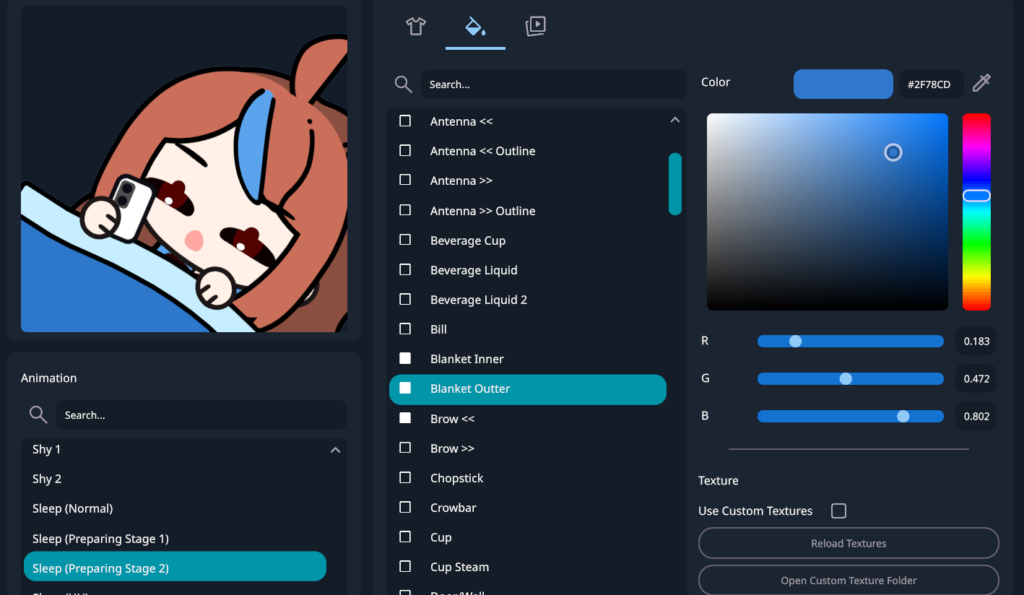
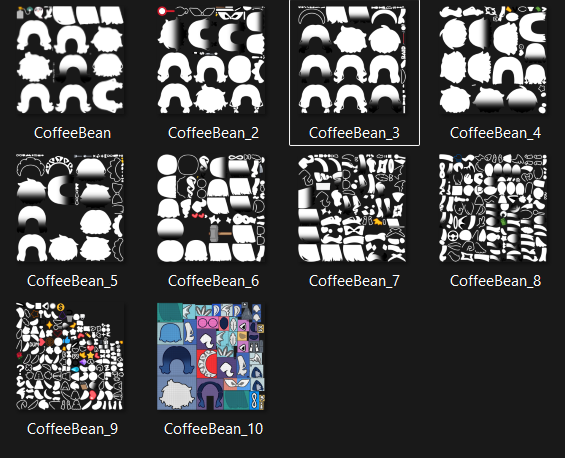
Besides part positions, you can also change colors of specific parts. There’s also an option to use gradients, and custom texture. If you need further customization or want to integrate your own style by drawing on the parts yourself, you can go tweak the texture images directly. So if your character have some details that is not available from the available part options, this is one way to make it closer to your design.
I haven’t personally explored the texture customization yet, so I would suggest to check the Discord community to see examples and assets shared by others.
So that is a quick recap of how EmoteLab works! I’m interested that it provides quick use features to easily make custom emotes based on ready made animation models, while also allowing option to customize down to the texture files to make the design more of your own. I see lots of potential in this tool and I’m looking forward to see the further developments and improvements of it!